
Quick Answer
Shadow Dungeon officially lets Treasure Sprites dismantle or salvage unwanted equipment into gold. A separate manual inventory or town dismantle action, its controls, restrictions, and any material returns remain TBD.

How dismantling is officially confirmed to work
OO Cat confirms a Treasure Sprite workflow rather than a verified blacksmith or inventory-button workflow. The developer’s Steam discussion describes a Treasure Hunting Sprite that collects items and dismantles low-quality equipment for gold. The full-release announcement similarly says Treasure Sprites directly salvage unwanted equipment into gold.
Gold is the only confirmed output in those P0 sources. They do not state that equipment dismantling returns crafting materials, runes, shards, dust, or reusable affixes. This guide therefore uses “dismantle” and “salvage” only for the documented Sprite-to-gold behavior.
The official sources also do not explain the exact screen where the Sprite rule is configured. They do not publish the threshold behind “low-quality” or “unwanted,” and they do not state which equipment categories are protected. Those operational details remain TBD.
Is there a manual dismantle button?
No separate manual equipment-dismantle workflow is confirmed by the official evidence reviewed on August 30, 2026. There is no verified backpack button, town bench, blacksmith, keyboard shortcut, controller input, or bulk-selection screen in the P0 material. That does not prove a manual action is absent; it means the page cannot publish a route yet.
If your current client shows a dismantle command, capture the exact menu and confirmation text before using it. Record the item category, output preview, and whether the action is reversible. One interface observation should not be generalized to every item type without repeatable evidence.
Do not treat rune dismantling, equipment salvage, item selling, reforging, or enchanting as interchangeable terms. The current official source set only confirms equipment being converted into gold by a Treasure Sprite. Any other workflow needs its own official or current-build evidence.
What the Treasure Sprite can do
The official release announcement says Treasure Sprites can pick up equipment and directly salvage unwanted equipment into gold. A developer discussion uses the more specific phrase “low-quality equipment” for the Treasure Hunting Sprite. Because the official pages do not publish the underlying filter, neither label can be converted into a precise rarity rule.
Treasure Sprites can also pass through walls to recover equipment stuck outside them. That wall-recovery ability is related to collection, but it does not change the confirmed salvage output. An unreachable item retrieved by a Sprite may still be collected or salvaged according to a rule the official source does not expose.
Different Sprites have unique effects, but their names and exact behaviors are not listed in the official announcement. The page cannot confirm whether every Sprite performs the same salvage task or whether a particular Sprite must be selected. Selection and unlock details therefore remain TBD.
What dismantling returns
The only confirmed return is gold. No P0 source in the collected material says that dismantling equipment refunds crafting components or transfers affixes. A guide that lists materials would be inventing a reward table.
If the current client displays an output preview, use that preview for the exact item being tested. Capture the value before confirming and compare the gold total afterward. A result from one quality or equipment type does not establish a universal formula.
The gold amount itself is also TBD. Official pages do not publish a level, rarity, affix, or sale-value calculation. This guide will not provide a salvage calculator until a version-labeled formula can be reproduced.
Items to inspect before salvage
Shadow Dungeon’s official store describes an enormous semi-random equipment pool and says more than half of equipment includes additional skills that synergize with talents. OO Cat also confirms fifteen armor sets for every class, with most sets including affixes that alter skill forms. Those facts make item inspection important even though the interface for protecting items is not verified.
Before allowing a visible salvage rule to act, compare the item’s class relevance, granted skill, set membership, and current build role. This is not a claim that the game offers a favorite or lock button. It is a practical check using the information the item interface itself shows in your current build.
Do not assume that a lower base value makes an item disposable. A skill-granting affix or set connection can matter independently of a simple damage or armor comparison. Because exact set effects are still being documented, uncertain set pieces should be kept until their identity is verified.
If salvage does not behave as expected
First, confirm that a Treasure Sprite is active and that the object is equipment, the category named by the official source. Then record whether the item enters inventory or the gold total changes. The official pages do not specify the feedback animation or message, so troubleshooting should rely on before-and-after state.
Second, separate collection failure from salvage classification. A Sprite may retrieve equipment without the page having enough evidence to explain why that item was kept or converted. Without a verified filter table, the result should be recorded rather than forced into an assumed rarity threshold.
Third, preserve the current build date. Loot and economy behavior can change after launch, and the page should not hide that context. Reproducible evidence must use the same item category and visible settings before it becomes a permanent step.
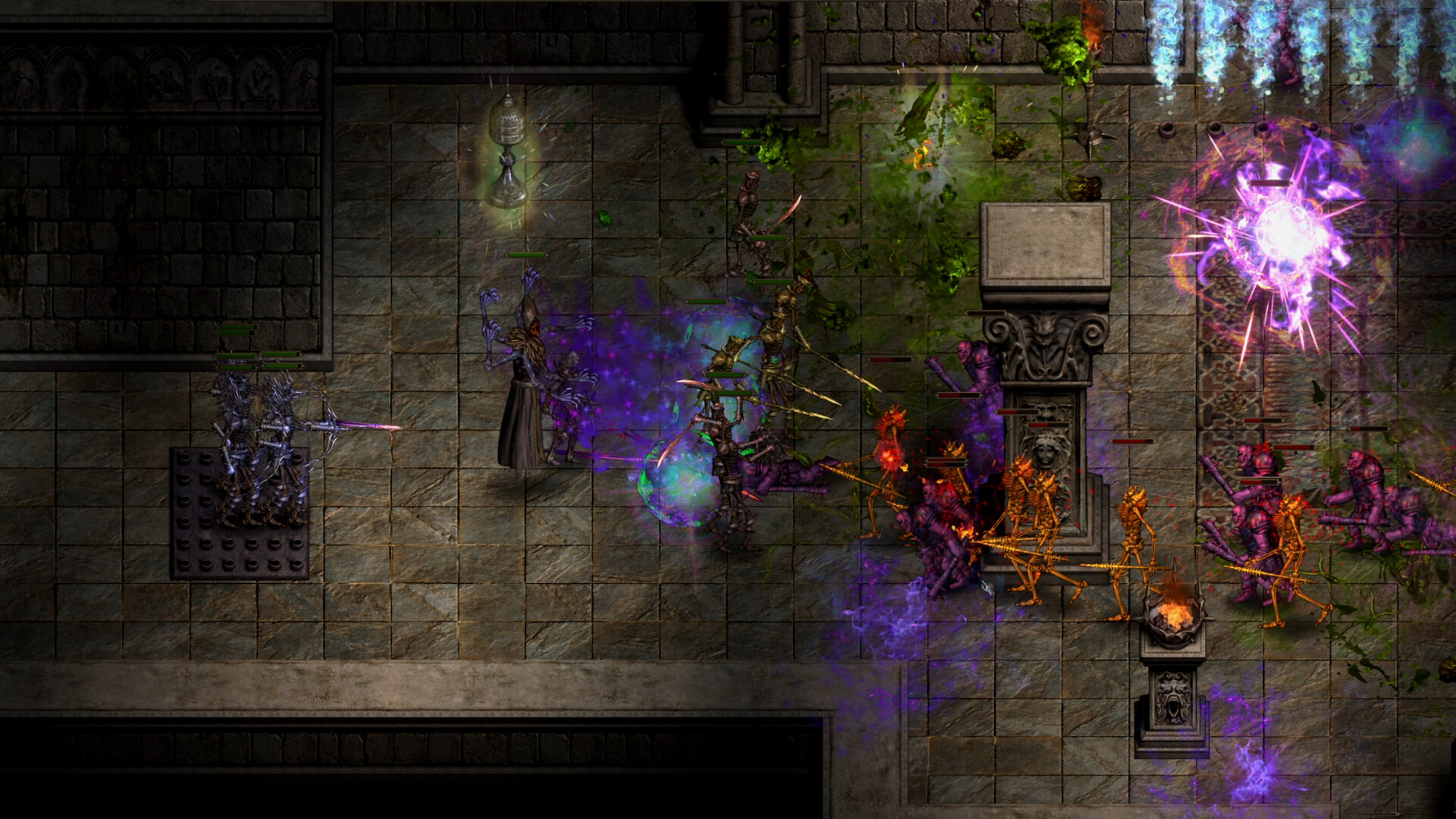

 Primary sourceComplete Official Version ContentOO Cat via Steam · accessed August 30, 2026Read the original source →Image source: official Steam store artwork for app 4423580.
Update policy
This guide will add manual steps only after the menu path, input, confirmation state, outputs, exclusions, and current build are verified. Sprite filter rules and gold values require the same evidence standard. Until then, the reliable answer is narrow: Treasure Sprites convert unwanted equipment into gold; manual dismantling and material returns remain TBD.