Quick Answer
Treasure Sprites officially pick up equipment, salvage unwanted equipment directly into gold, and pass through walls to recover unreachable drops. Their unlock path, toggle location, filters, names, and exact effects remain TBD.
What Shadow Dungeon Sprite auto loot does
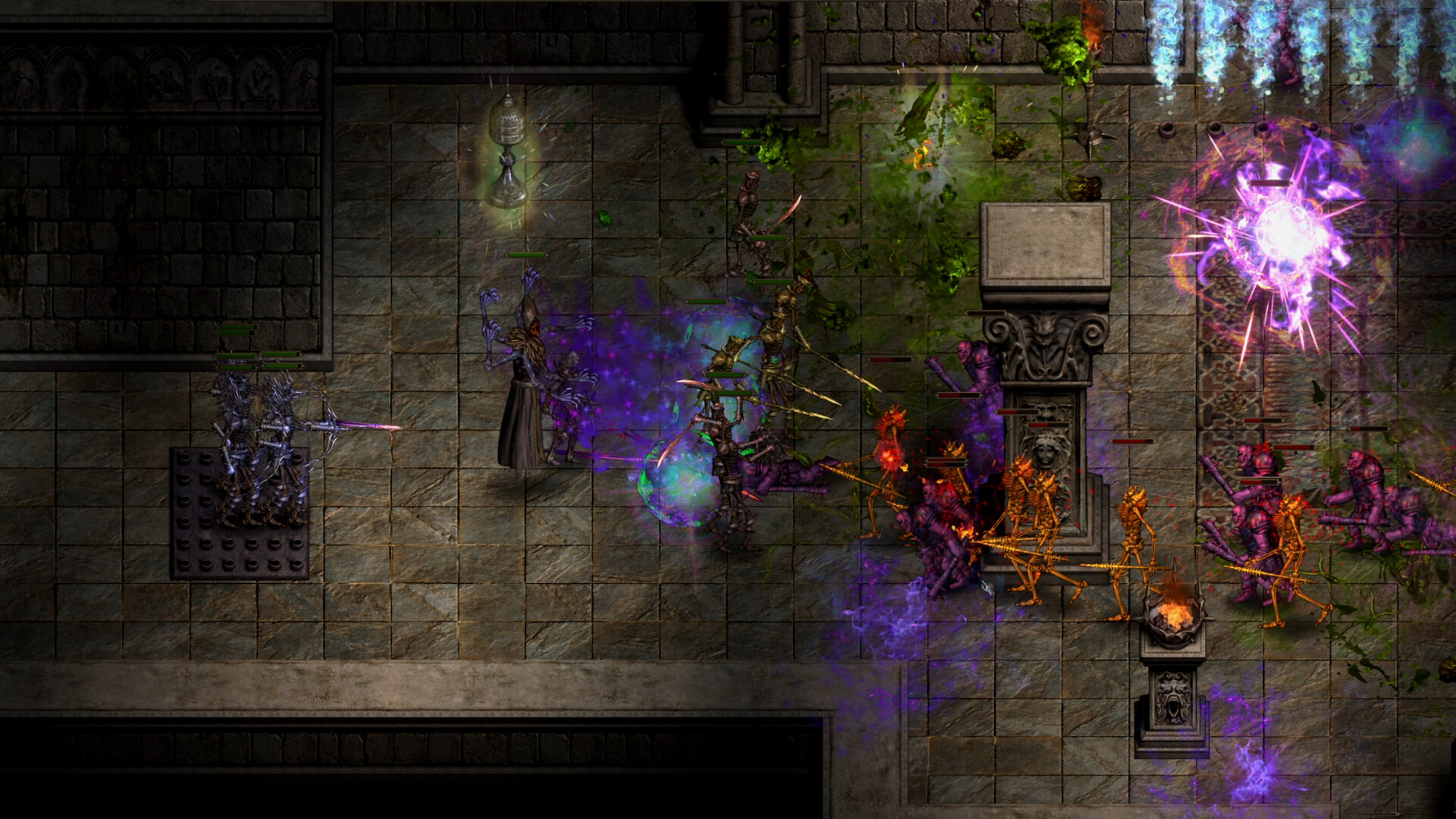
OO Cat’s full-release announcement confirms three concrete Treasure Sprite functions. They can pick up equipment for the player, turn unwanted equipment directly into gold, and pass through walls to retrieve equipment that becomes stuck outside the playable route. These are official capabilities, not community guesses.
The same announcement says different Treasure Sprites have their own unique effects. It does not publish their names or define those effects, so the page cannot recommend one Sprite over another. “Unique effects” remains a confirmed category with all individual entries still TBD.
The official wording specifically refers to equipment. It does not establish that Sprites collect every currency, quest object, material, rune, or other pickup type. If another item category works in the current client, it needs separate evidence before it becomes part of this guide.
How to use this guide in the current build
First, identify whether your character currently has access to a Treasure Sprite interface or companion. The official source does not state the unlock chapter, quest, NPC, or level, so this page cannot direct a new player to a verified location. Any absent menu should remain an access question rather than proof of a bug.
If a Sprite is active, test only the behavior that the official announcement describes. Leave a normal equipment drop in a reachable area and observe whether the Sprite picks it up. Then compare the inventory and gold display before assuming the item was salvaged instead of stored.
For wall recovery, use only a naturally misplaced equipment drop and avoid deliberately forcing the character or item outside the map. The official announcement says Sprites can pass through walls to retrieve equipment stuck outside them. It does not justify exploit instructions or guarantee recovery from every terrain state.
Unlock path and menu location: TBD
No reviewed official page identifies the first chapter, quest, merchant, town, or reward that unlocks Treasure Sprites. It also does not show whether access is account-wide or character-specific. The unlock section therefore stays TBD instead of borrowing an unverified route from a player post.
A reliable update needs the current build, the step immediately before the unlock, the exact reward or menu label, and the first screen where the Sprite can be selected. A screenshot of a late-game menu alone cannot establish when the feature becomes available. The guide should document the sequence from locked to usable.
Auto-loot toggle and default state: TBD
The official announcement confirms the ability, but it does not publish a settings path or default on/off state. It does not say whether pickup and salvage have separate toggles. Until the interface is verified, this page cannot tell players to enable a particular checkbox.
If your build shows a toggle, record its exact label and whether changing it affects pickup, salvage, or both. Repeat the test with the same item type and area so the result is comparable. A one-time failure can come from an unsupported pickup category or another unknown condition.
Loot filters and salvage rules: TBD
OO Cat calls the salvaged objects “unwanted equipment,” but the official source does not define how the game decides that an item is unwanted. There is no verified list of rarity thresholds, item levels, affix rules, set-item protection, favorites, or keep lists. Do not assume that “low quality” and “unwanted” are identical UI categories.
Before testing any visible filter, protect equipment that matters to the current build. Shadow Dungeon officially has a huge randomized item pool, equipment-granted skills, and class armor sets, so a low-looking item can still interact with a talent or build. This is a caution based on verified system scale, not a claim about an existing lock feature.
Why Sprite auto loot may appear not to work
Start by checking whether the object is equipment, because that is the pickup category named by the official announcement. Confirm that a Treasure Sprite is visibly active, then observe whether the item goes to inventory or becomes gold. The official source does not document a notification format, so absence of a particular animation is not enough to diagnose failure.
Next, separate pickup from wall recovery. A Sprite retrieving an item behind terrain proves the wall-recovery behavior for that test, but it does not prove a configurable loot filter exists. Likewise, a normal pickup does not reveal how the game classifies unwanted equipment.
Finally, record the current build and repeat the same test after a control or loot patch. The exact settings and filter rules remain unresolved, so version context matters. A reproducible result is more valuable than a long checklist of invented menu names.
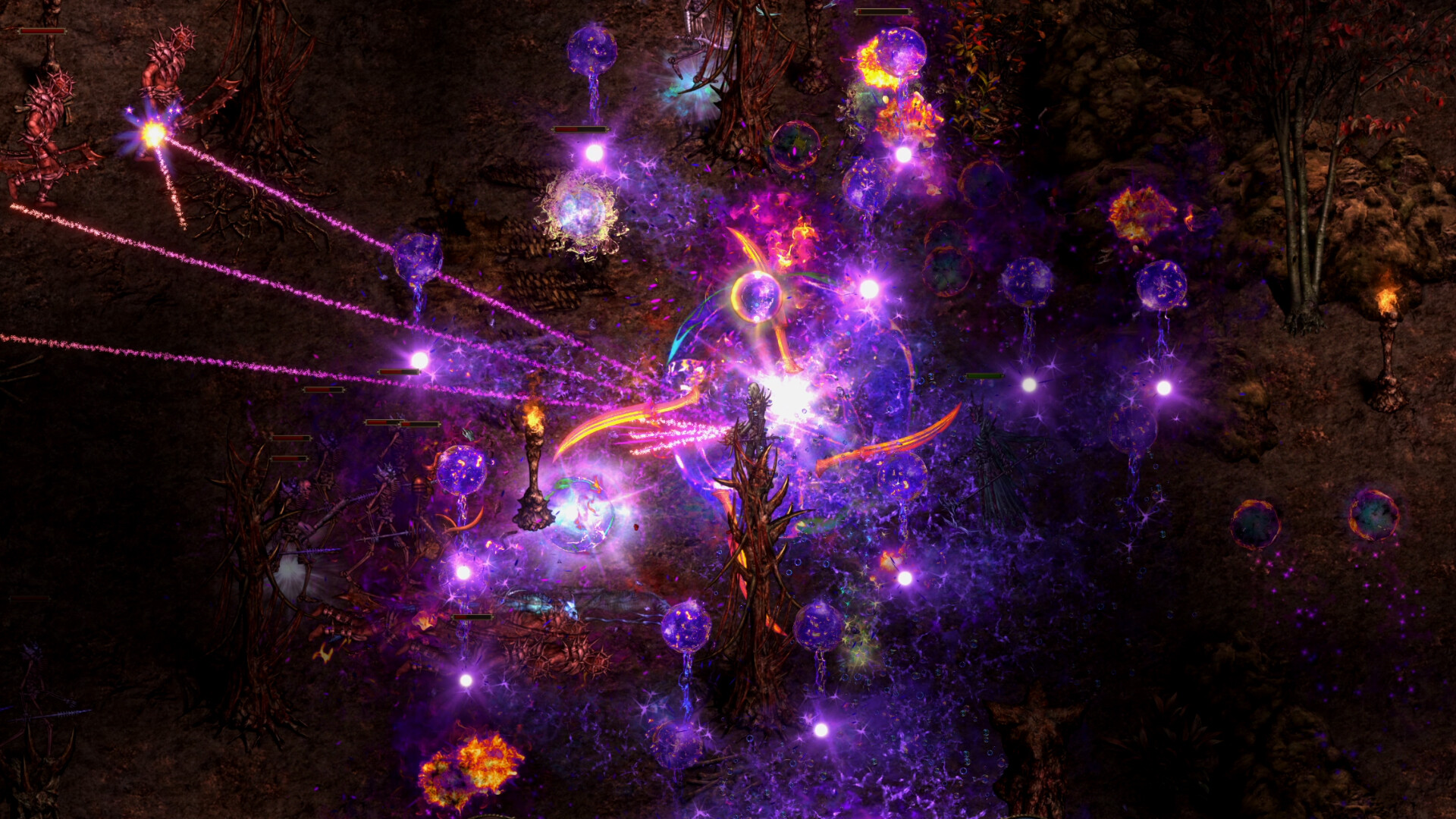
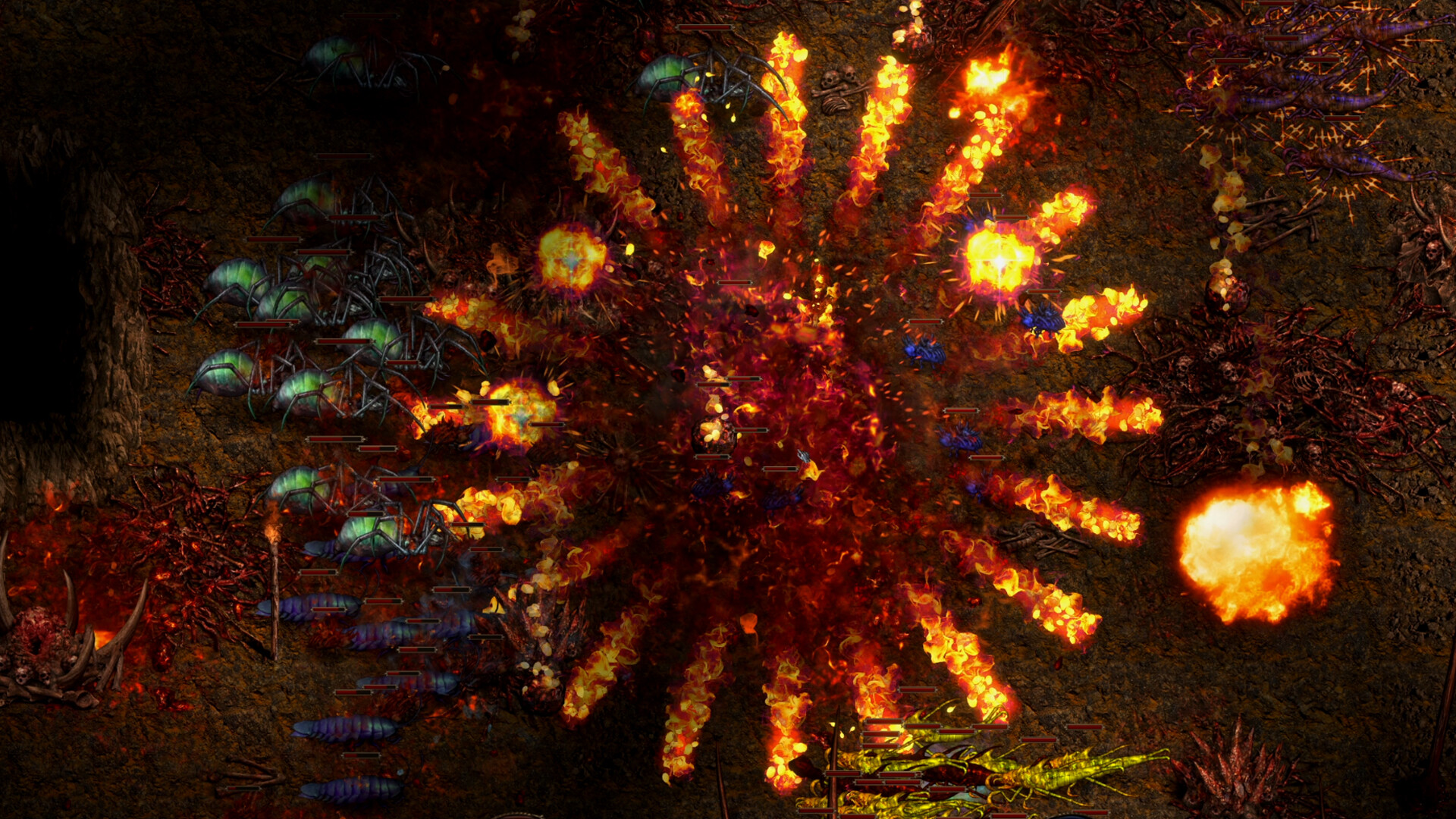
 Primary sourceComplete Official Version ContentOO Cat via Steam · accessed August 30, 2026Read the original source →Image source: official Steam store artwork for app 4423580.
Update policy
This page should be reviewed after every loot, companion, Sprite, salvage, or equipment-filter update. New instructions must identify the unlock path, toggle location, supported pickup categories, filter fields, and Sprite-specific effects. Unknown fields remain TBD so one corrected number or path can be updated in place without creating another page.