Quick Answer
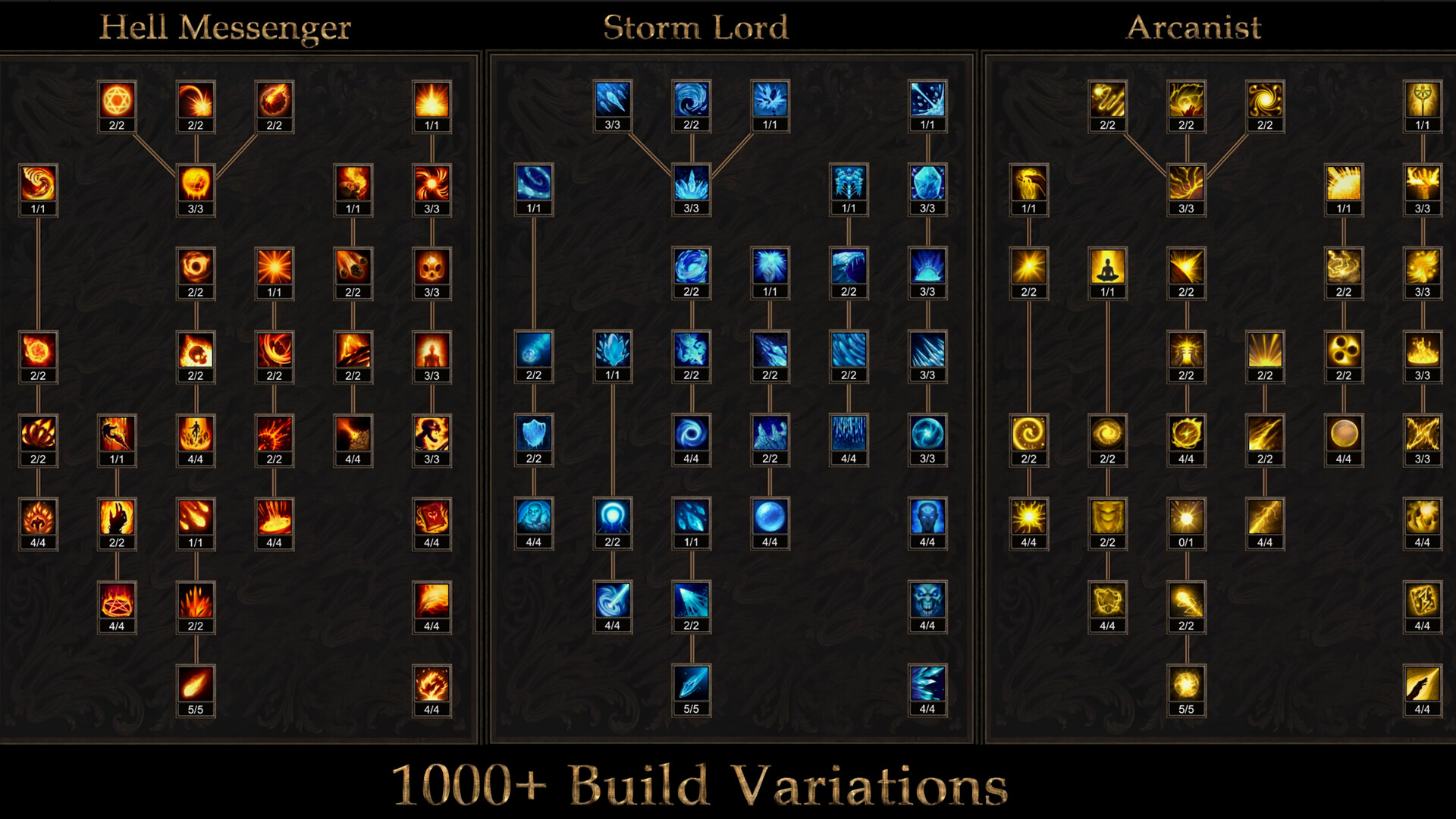
Shadow Dungeon’s full release supports assigning multiple active skills to the same shortcut. Open the talent or skill interface, unlock the skills you want, place them on the same combat input, and test the result in a low-risk area. Exact UI prompts can vary, while controller press-versus-hold behavior and trigger priority have not been independently verified.
Can one shortcut use multiple skills?
Yes. Two launch-period sources independently describe the full-release system as allowing multiple skills on one shortcut: an AUTOMATON release report and an independent guide based on full-release testing. They also agree that stacking several skills increases Mana consumption. OO Cat’s own release material separately confirms automatic attacks, skill-specific intelligent targeting, and mouse or L1/R1 navigation through interfaces such as the talent tree.
The multi-skill behavior is therefore supported as a launch-period feature, but the exact button labels are not published in an official control manual. Follow the prompts in the current client when its wording differs from this guide.
Minimum working setup
- Open the talent or skill interface. Use the current on-screen prompt. Mouse navigation and controller L1/R1 page switching are officially supported for interfaces that require page changes.
- Spend the required talent points. A skill must be learned before it can function as an active combat assignment.
- Select the active skills you want to combine. Start with two skills that belong in the same combat rhythm instead of filling every visible space at once.
- Assign those skills to the same displayed combat shortcut. Confirm that the combat bar shows both skill icons associated with that input before leaving the interface.
- Test in a low-risk area. Press the shortcut repeatedly and watch the skill indicators, cooldowns, targeting, and Mana bar.
- Adjust the group if Mana drains too quickly. Launch-period reporting warns that placing several skills on one shortcut increases consumption.
This is a minimum reproducible route rather than a claim that every input device uses the same labels. If the game displays separate commands for learning, assigning, replacing, or removing a skill, use those exact commands rather than treating them as interchangeable.
Mouse and keyboard notes
A Steam player report says to press Q, spend the point in a skill, and bind it to the bar. That is a useful launch-period clue, not a universal official key map. If your current client shows a different key, layout, or localized label, use the live prompt.
The collected official material confirms mouse support for page-switching interfaces but does not publish a fixed drag-and-drop, right-click, or dedicated multi-bind command. The practical check is visual: after assignment, the combat bar should show the intended skills on the same shortcut before you return to combat.
The game’s total pool of more than 370 skills does not establish the number that can be active or stacked on one input. Treat the visible limit in the current interface as authoritative for your build.
Controller behavior: what OO Cat confirms
Controller support has a clearer official baseline. OO Cat confirms automatic target acquisition, automatic attacks, and skill-specific intelligent targeting. It also confirms L1/R1 page navigation in interfaces such as the talent tree, so controller users have an official way to move between interface pages.
Those statements do not document the binding button for several skills. They also do not establish whether a press, hold, cooldown state, or another condition chooses between skills sharing an input. A Steam controller discussion reports two visible skill positions on one button but reaches no confirmed conclusion about press-versus-hold behavior.
Automatic targeting should therefore be treated as a targeting feature, not proof of a multi-skill binding sequence. A skill can have intelligent targeting behavior without the official source explaining how the skill reached a particular combat input. Keeping those two questions separate prevents a verified controller feature from being stretched into an unsupported control guide.
Test the setup safely
If the shortcut appears to trigger only one skill, first confirm that both skills are learned and still displayed on the same input. Then check whether the second skill lacks Mana, is on cooldown, requires a target, or uses different intelligent-targeting behavior.
Do not use auto-targeting as proof that assignment succeeded. OO Cat says individual skills can target differently, so one skill may fire while another waits for a valid condition. Repeat the test with the same target group and watch each skill indicator rather than judging from a single animation.
If the current controller UI shows two skills on one input, test ordinary presses before assuming that holding the button selects the second skill. The collected controller discussion raises several possibilities but does not confirm one universal rule.
Media used on this guide
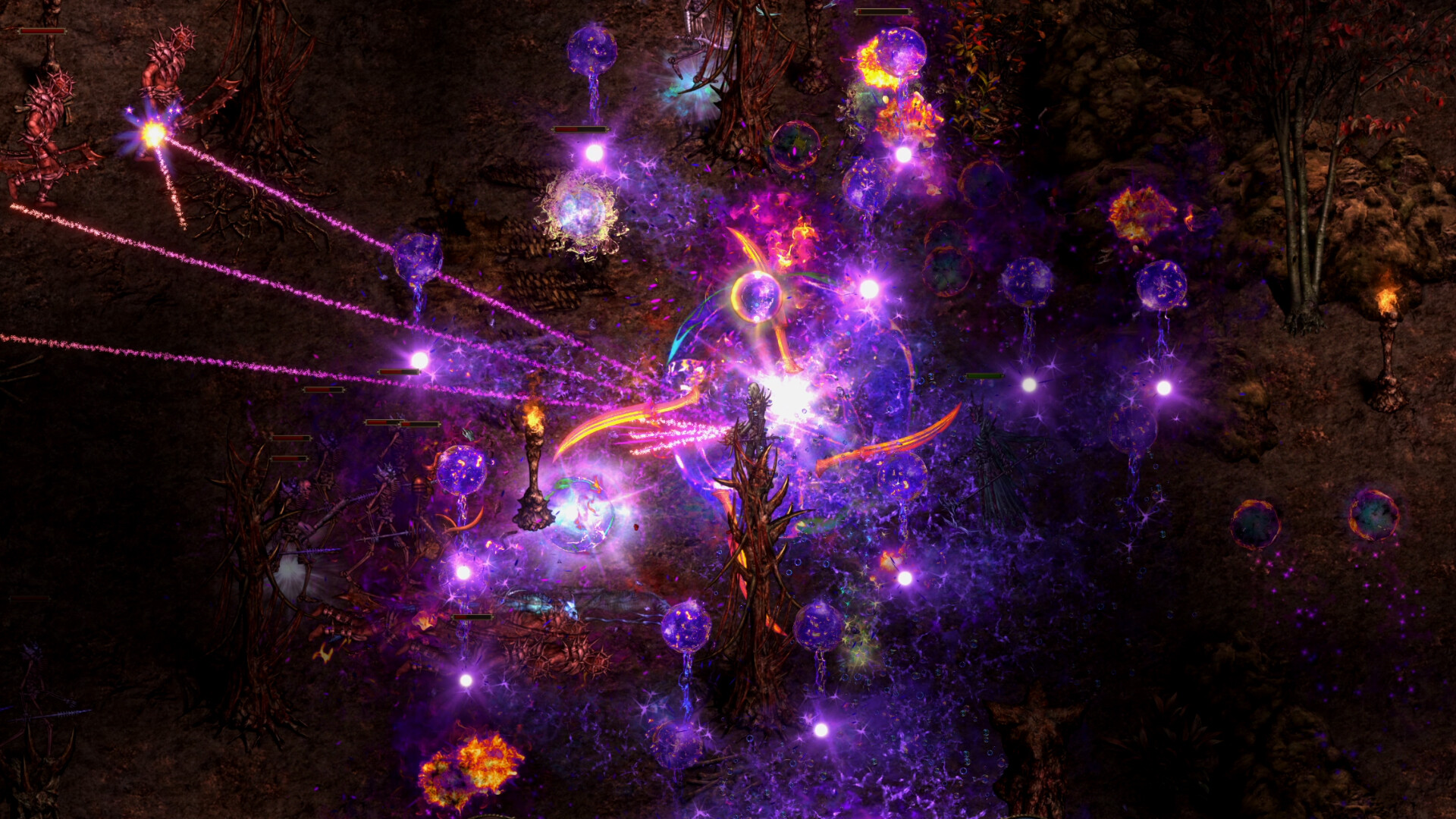
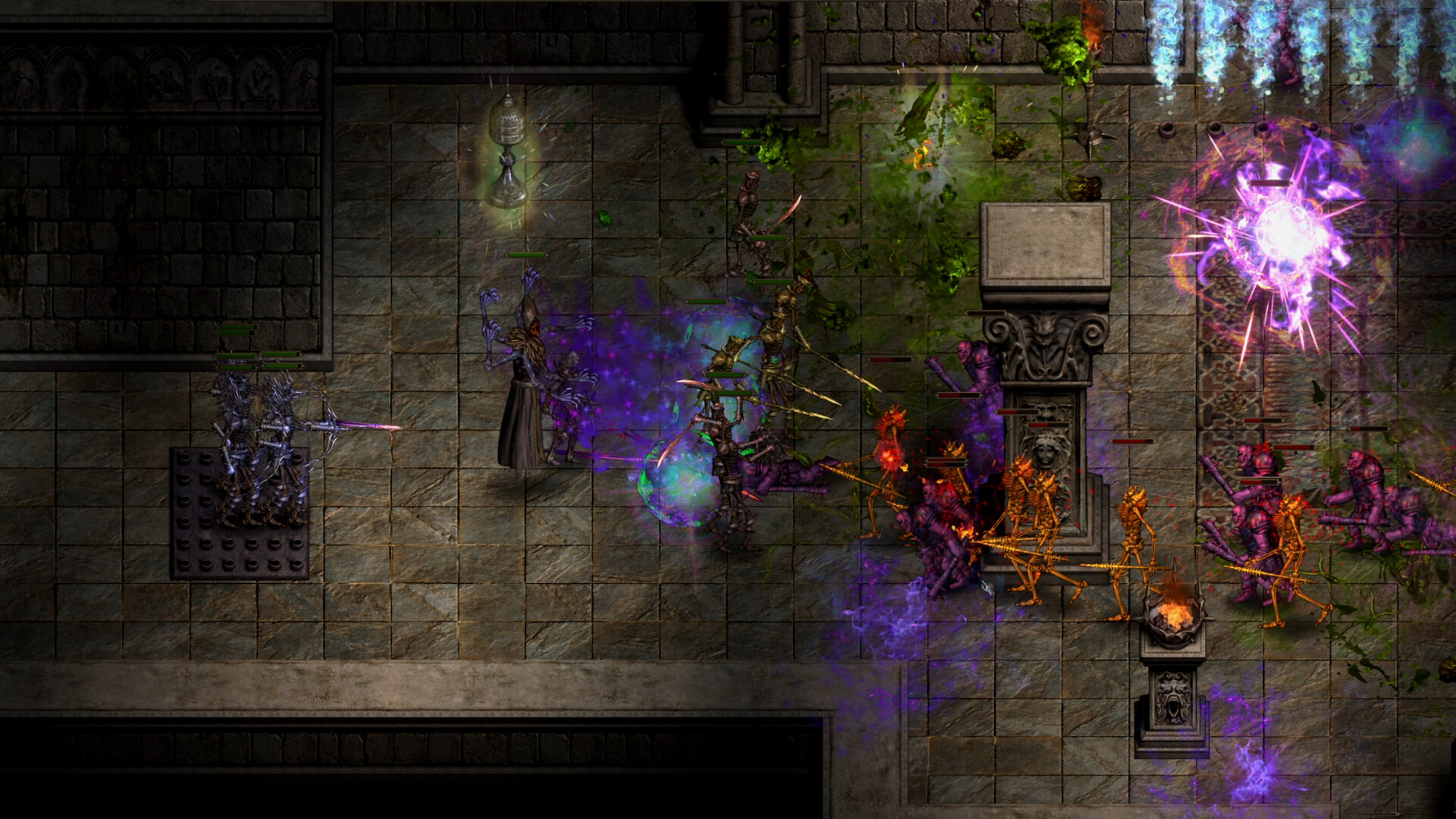
The images on this page come from traceable official Steam material and are used as visual context. They do not demonstrate an unverified binding sequence, so follow the written evidence boundary above when testing the controls in your own build.
Official source and update policy
 Official sourceComplete Official Version ContentOO Cat via Steam · accessed August 30, 2026Read the original announcement →Image source: official Steam store artwork for app 4423580.
The official Steam material supports the interface and targeting facts. The same-shortcut method comes from AUTOMATON’s full-release report and an independent full-release setup guide. The reported Q key comes from a Steam player discussion and should remain subordinate to the current UI.
Recheck this page after any control, talent-tree, Mana, or controller patch. Future revisions should preserve exact on-screen labels and distinguish official behavior, cross-supported launch reporting, and single-player observations.